Give your AI agents a hive mind.They remember. They talk. You decide.
Oplyr plugs into the Claude Code and Codex plans you already pay for and gives them what they cannot have alone: one brain that never forgets, one room to work in, and your yes on every change.
invite-only early access, seats open weekly
Plugs into the AI you already pay for
- Claude Code
- Codex
- Gemini soon
A brain that never compacts.
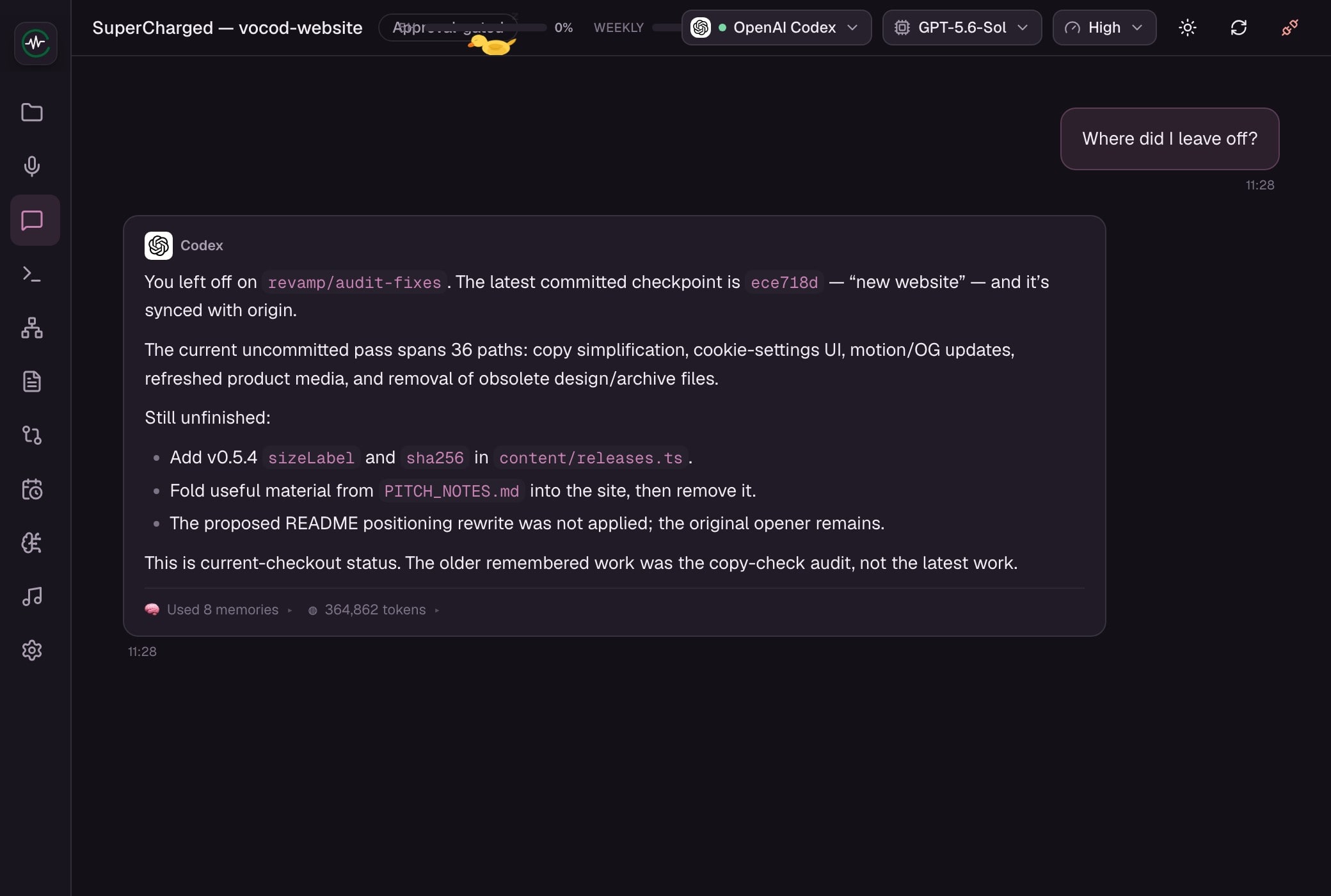
Decisions, rules and where you left off, kept for good and handed to whichever agent you ask. Never write a note for your AI again.
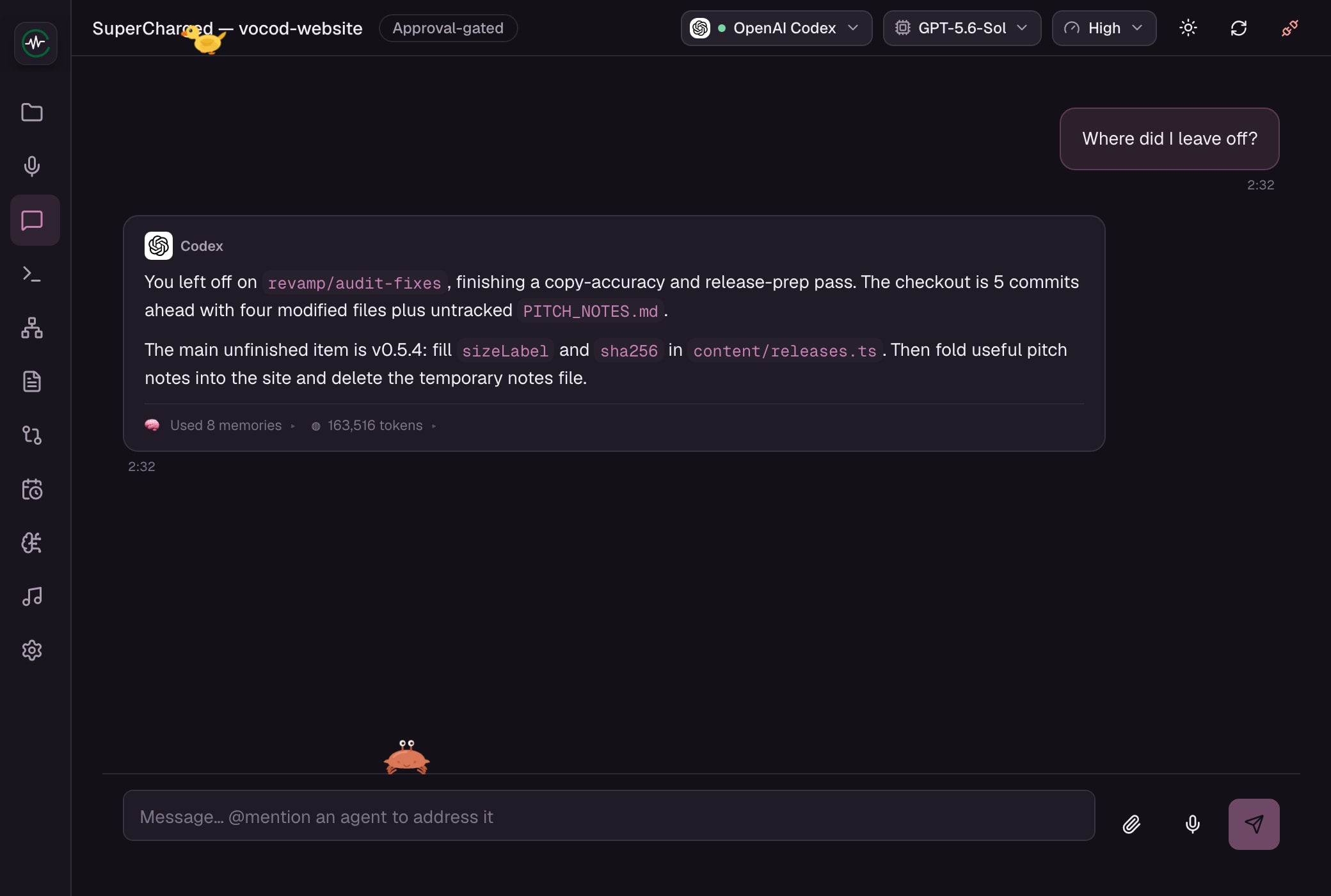
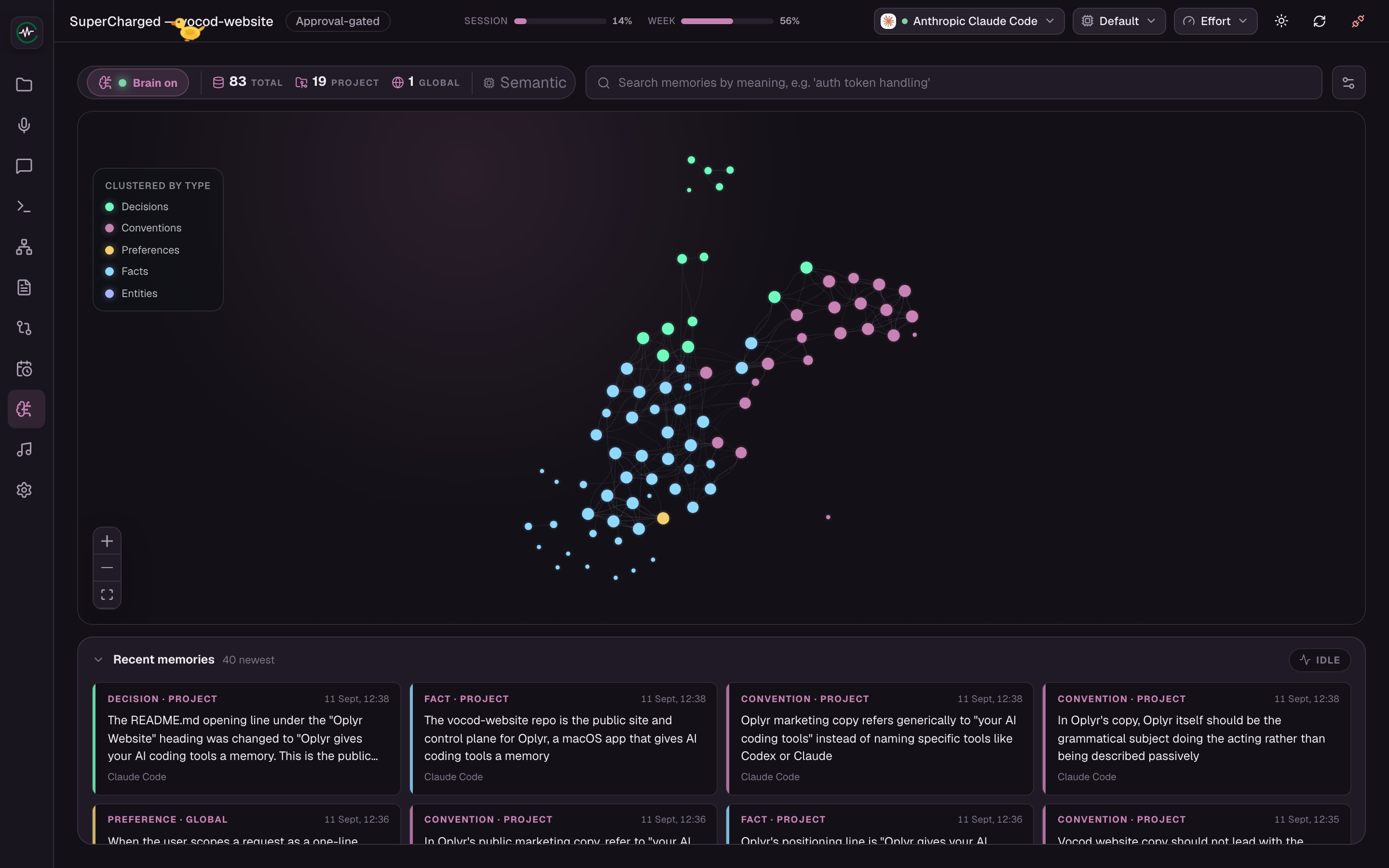
- Ask on Monday. It picks up from Friday.Answered from what it kept. It shows which memories it used.
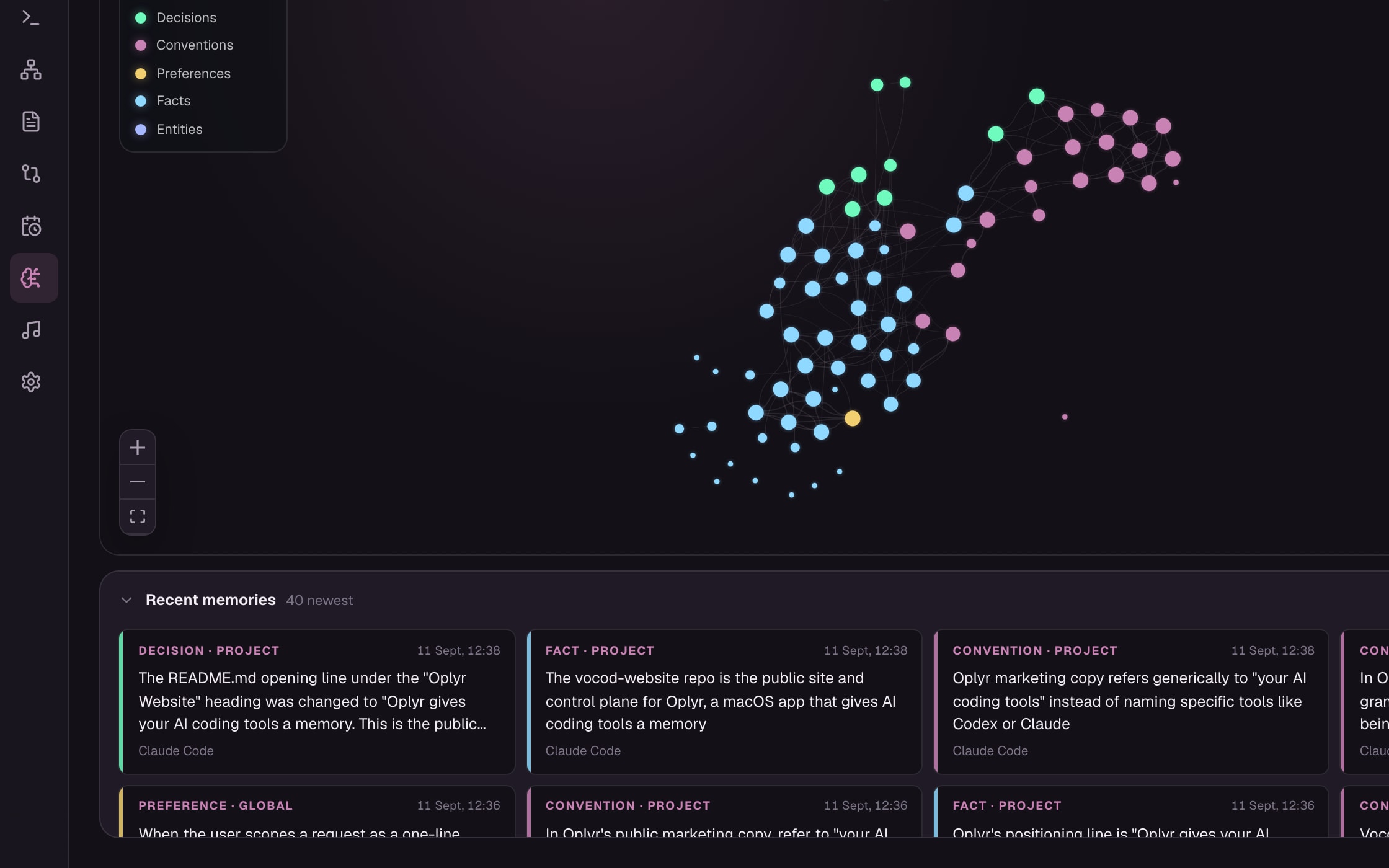
- Every decision and every rule, kept.Linked, so the right one comes back when it matters. All of it yours to read or delete.
- Nothing to write down.Oplyr learns as you work and names the agent that learned it.
- Watch it work. 19 seconds.Ask, remember, review, decide. Recorded from Oplyr v0.5.4.

Your Claude plan forgets. Your Codex plan forgets. And neither has met the other.
Every session starts cold, every compaction throws work away, and what one agent learns the other never hears. That is not a model problem. It is a missing brain.
Imagine two brilliant contractors who show up every morning with no memory of yesterday and have never spoken to each other.

Same developer. Same project.
Every morning, without Oplyr
- Re-explain the project
- Lose it at compaction
- Each agent starts blind
With Oplyr
- It already knows the project
- Nothing compacts away
- One brain, every agent
Put them in one room. Let them talk.
Mention Claude and Codex in the same message. They answer in turn, each reading the other, and everything they learn lands in the one brain.
- Claude drafts, Codex checks. Two views on every hard question, one conversation.
- Your plans, not ours. The subscriptions you already pay for. Oplyr charges nothing for the AI.
- Already built up memory in those tools? Oplyr finds it and offers to bring it in on day one.
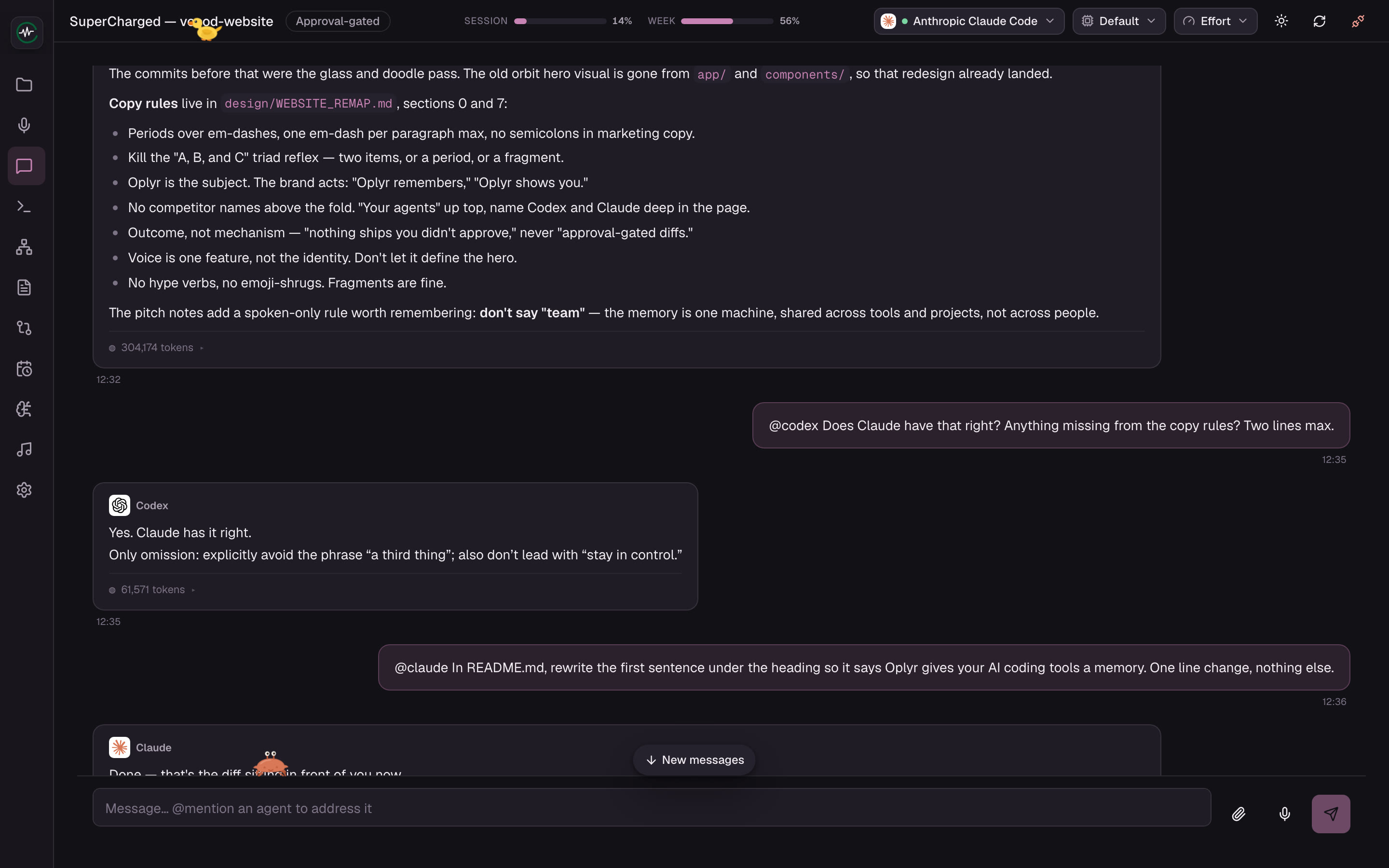
Claude answers from memory. Codex checks the answer. Both in one room.

Vibe coding is dying. Directed coding is what comes next.
Nothing changes until you say yes.
Every edit arrives as a proposal, side by side. Approve it or send it back, without reading your codebase from scratch.
Nothing leaves your machine.
Your code, your voice and your memory stay where you work. We never see any of it.
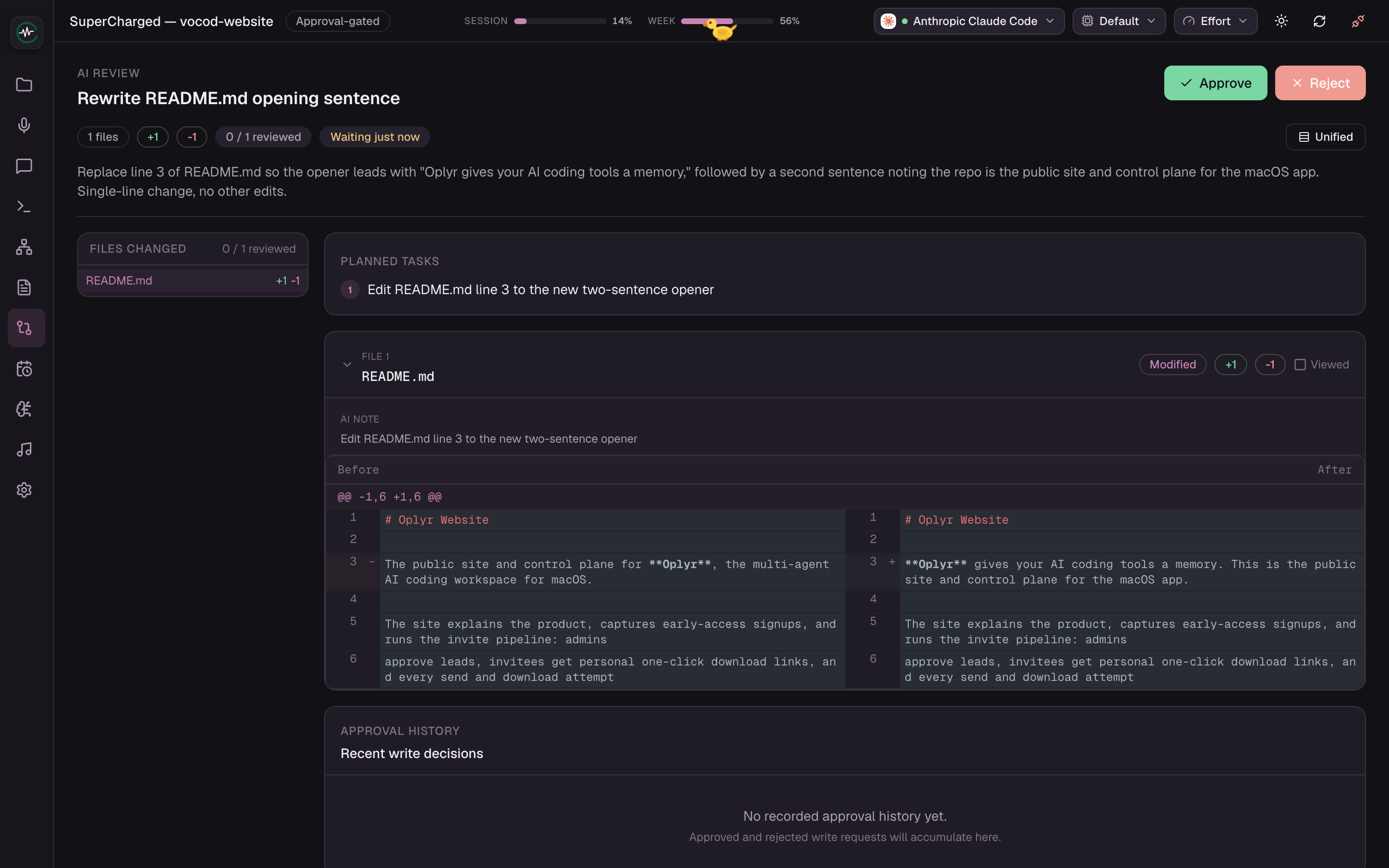
A real proposal, waiting. One click either way.
Know your codebase. Without reading it.
A living map of every file and what it does, in plain words. Ask the map instead of opening the files.

- A living map of your code. Every file, what it does, what links to what.
- A real terminal. It survives switching screens.
- Voice, if you want it. Transcribed on your machine, in your project’s words.
- Meetings, in the same window. Your calendar, a nudge before each call, and the notes kept where your agents can find them.
The map of this site: folders open, a file explains itself, then the tree view.
Reasons not to bet on us, yet.
Read the founder’s story
- We’re small and unfunded. The incumbents have the head start.
- It’s early software. Things change week to week.
- If fully autonomous agents just work, a tool built around your yes matters less. We think the opposite is coming.
Get a seat in the early access.
Small weekly batches.
- Request a seat
Your email, and a name if you like.
- Get your invite
A one-click download link. No account.
- Open Oplyr
Connect a project and your agents. They start remembering.
Already tried it, or have a question?